Export an attendance report
Export a PDF or spreadsheet of any attendance report.
You can export any attendance report as a CSV spreadsheet or a PDF in 1-click. Just open a meeting report, click the blue Export button on the top-right, and select your preferred format.
Spreadsheet export
The CSV spreadsheet export gives you a quick way to work with your attendance data in Excel, Google Sheets, or any other spreadsheet tool.
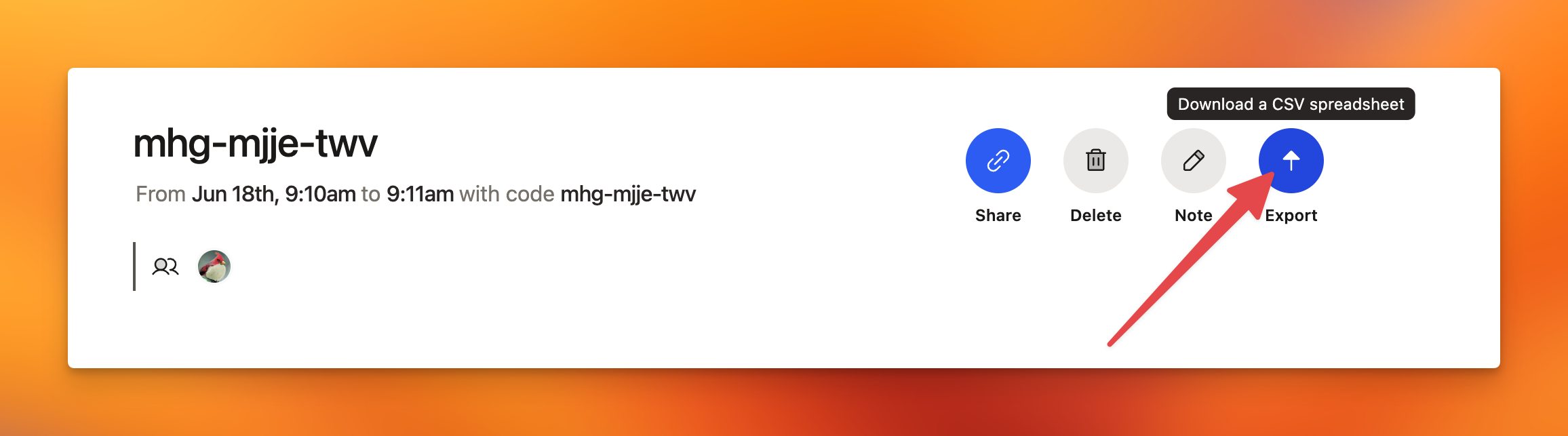
Easily export your attendance report as a CSV spreadsheet by clicking the 'Export' button on any meeting report page.
PDF export
The PDF export contains the same data as the spreadsheet, in a clean, print-ready format. This can be ideal for auditing purposes or submitting to regulatory bodies.
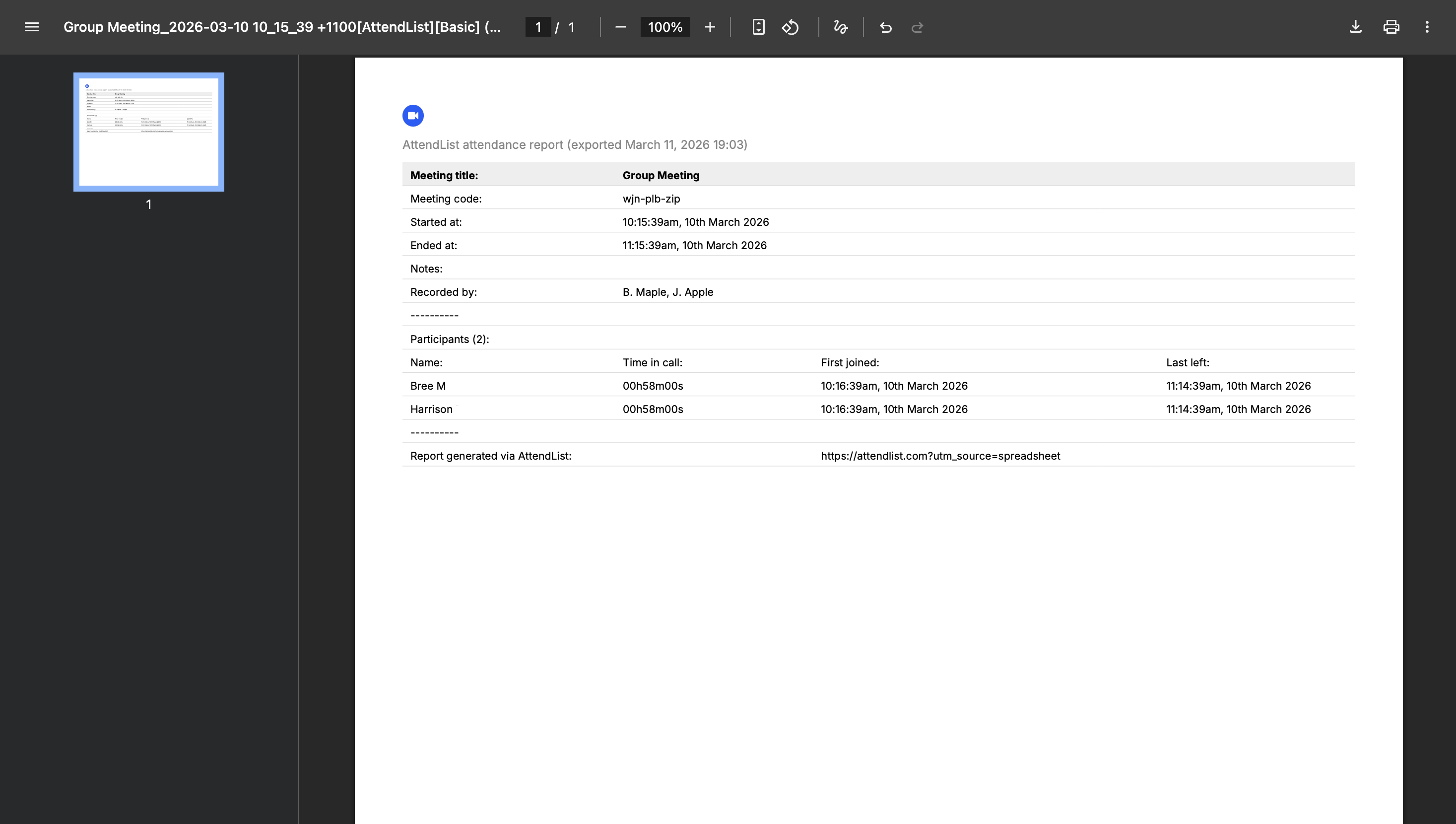
Export your attendance report as a PDF by clicking the 'Export' button on any meeting report page and selecting PDF.
PDF exporting is available on the Pro plan. View pricing.