Conditionally track attendance reports
Only record attendance in specific meetings, by setting required terms that must appear in the meeting title.
With Conditional Tracking, you can limit attendance tracking to only meetings whose title contains at least one of your specified terms. Any meeting that doesn't match is automatically skipped.
By default, AttendList records attendance for every meeting you join.
This is useful if you join many meetings throughout the day but only need attendance reports for specific ones — like training sessions, demos, or weekly team syncs.

A meeting that was skipped because its title didn't match any required terms.
How Conditional Tracking works
Add your required terms as a comma-separated list in your Meeting Recording Settings.
The matching is case-insensitive, so "Demo" and "demo" are treated the same.
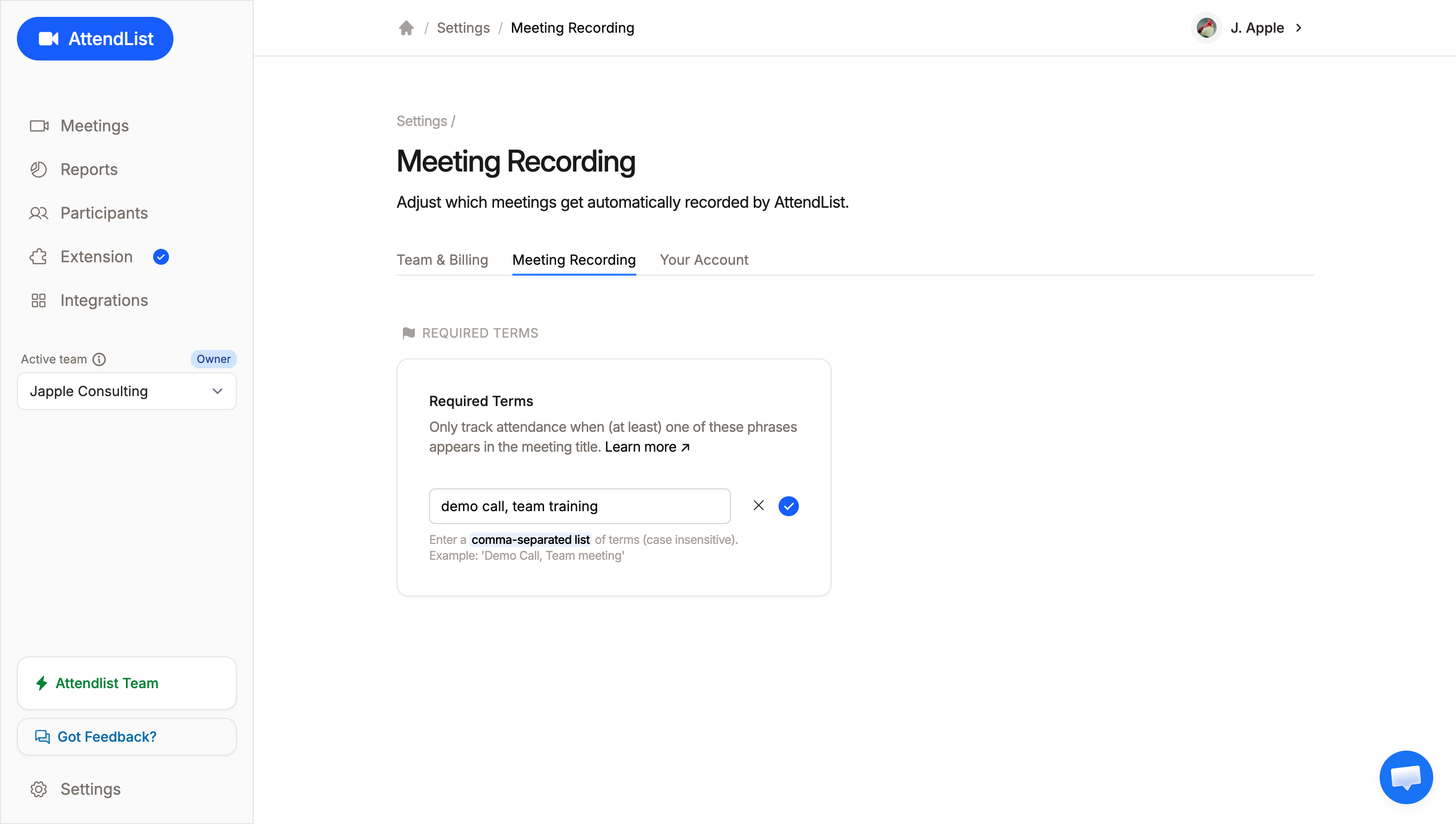
Configure conditional tracking in your meeting recording settings page. Each term should be comma-separated, and is case in-sensitive.
When you have required terms set, AttendList checks each meeting title before recording. If at least one of your terms appears in the title, attendance is recorded. Otherwise, the meeting is skipped.
Both text terms like "Demo" and emojis terms like 🚀 are supported.
Conditional Tracking for Teams
Conditional Tracking can be especially handy for teams, who want to minimize the extra 'noise' in their AttendList tracking, and just record attendance in crucial meetings.
Because these conditional tracking settings are configured per-user, it's possible for one person to skip recording a team meeting, while another person records it.
In these situations, the AttendList UI will reflect both team members joining the meeting. However, automations like Google Drive auto-upload will only trigger for people who do not skip recording the meeting.
Examples
One required term: Training
| Meeting title | Recorded? |
|---|---|
| New Hire Training | Yes |
| Weekly Training Review | Yes |
| Project Kickoff | No |
Multiple required terms: Demo, 1/1, 🚀
| Meeting title | Recorded? |
|---|---|
| Product Demo: Q2 | Yes |
| 1/1 with Alex | Yes |
| Demo call for 1/1 coaching software | Yes |
| Friday Fun 🚀 | Yes |
| Sprint Planning | No |
Note: If you remove all required terms, AttendList goes back to recording every meeting.